
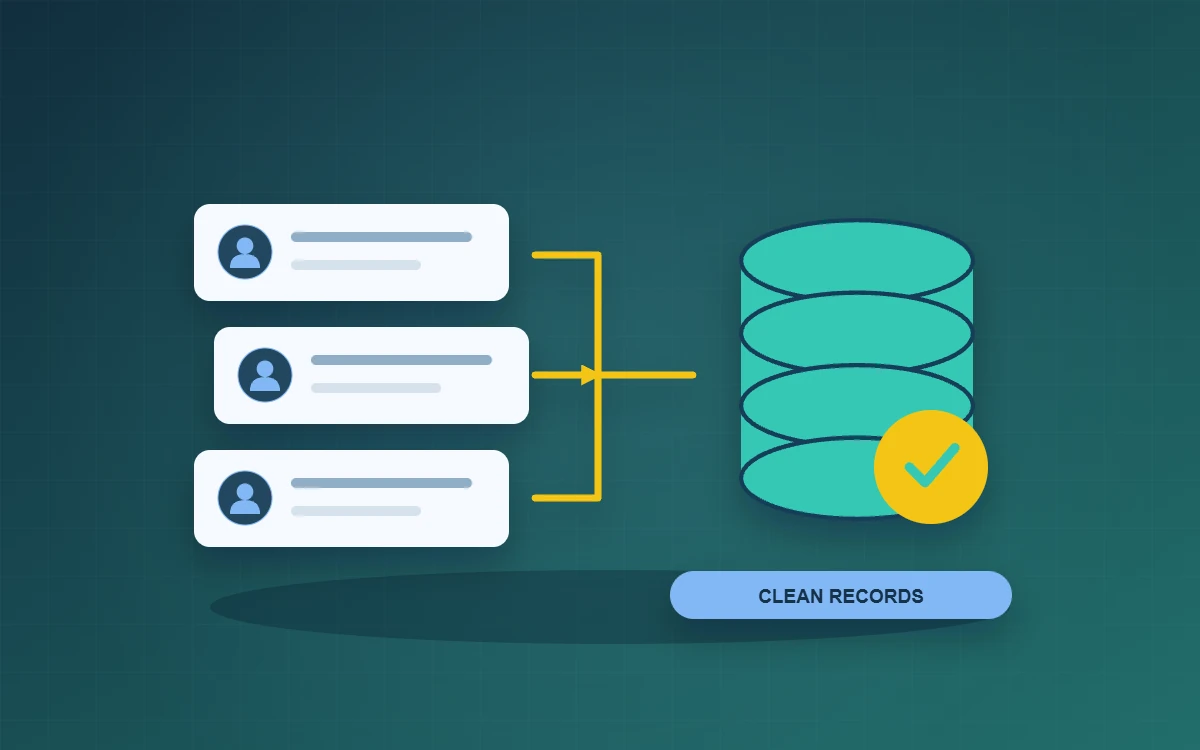
Start CRM data cleanup by separating companies from contacts and using verified customer IDs to identify duplicates. Send records that only share a name or phone number for review. A billing spreadsheet may use “customer” for the company paying an invoice, while a sales sheet may mean an individual contact. Agree what each record represents so quote and service history goes to the right account.
Separate companies, contacts and transactions during CRM data cleanup
Make a field map for each source and note which team owns the information. Give companies stable internal references and contacts their own identifiers linked to the appropriate company. Keep quote, transaction and service references separate, with dates and links to the relevant company or contact. When someone changes employers, record the end of their former relationship before creating a new one so past activity remains traceable.
Decide which records need human review
Standardise date and phone formats and trim stray spaces before comparing data. Use a verified internal reference where both records have one. Similar names, shared switchboards and departmental inboxes can flag records for review. Ask the team that knows the customer to check them before merging. Record original references, the surviving record and the reason for choosing one value over another. This gives a reviewer a way to investigate later discrepancies.
Run a trial import against a real workflow
Suppose a company has two branches using the same telephone number, and a contact appears in both a quote sheet and a service log. Keep distinct branch records and confirm where the contact belongs. After the trial import, ask a colleague to find both branches, each branch’s quotes and its most recent service case from the company record. If the colleague can only find part of the history, fix the mapping before expanding the import.
Reconcile the results and plan for recovery
Keep a copy of the source files, field mappings and trial results. After import, reconcile counts separately for companies, contacts and transactions. Explain count differences, such as approved merges, and sample records with varied histories. Before going live, note the time of the last source update and account for records added between the trial and the changeover. Have a business owner confirm which data is ready to use. Check that the team can find the original files and knows who can restore an earlier version if a problem is discovered.
Give every trial and production import a batch reference. Record who ran it and which field rules they used. If a column was mapped incorrectly, use the batch reference to find the affected records. Then decide whether to correct the field or reverse the batch. Check for edits made since the import before restoring data.
Frequently asked questions
What if there are no customer IDs?
Assign an identifier to each verified company record and retain a mapping from the source row to the new ID.
Should we import every historical record?
Decide what teams need for daily operations, after-sales service and retention. Confirm where staff can still find historical records kept outside the CRM.
When is it safe to merge records?
Merge once you have confirmed they represent the same customer or contact, chosen the surviving values and documented links to the originals.