
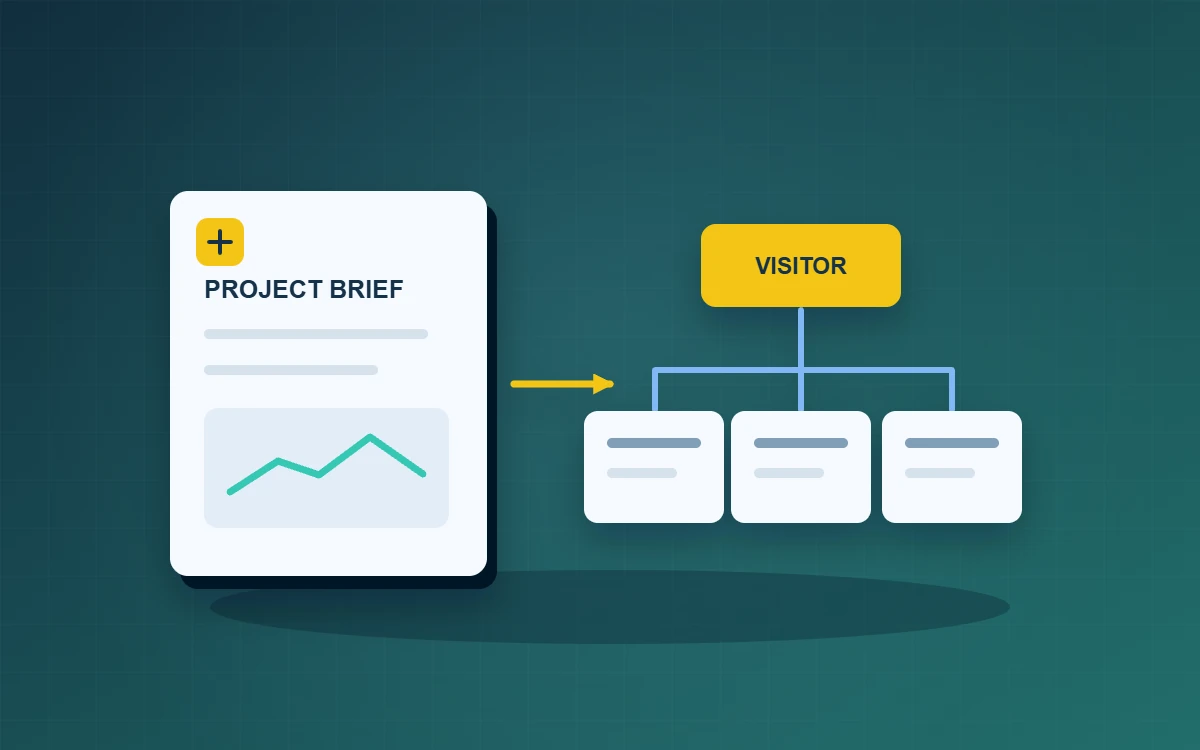
Write a website project brief around two or three tasks visitors need to complete. For each task, state which pages and content it needs, who owns that content and how you will test the finished site. This turns a request for a more professional website into requirements suppliers can respond to and your team can verify.
Start your website project brief with two or three visitor tasks
Write each task in terms of what the visitor needs to achieve. A property manager might need to check service coverage on a phone and request a quote from the right team. Describe where the visitor starts, what information they need and what they should see when they finish. If the site serves both prospects and existing customers, write separate tasks for each group to distinguish sales enquiries from support requests.
Define scope and assign content owners
List the pages, workflows and languages needed for the first release. Record what can come later. For each page, name the people who provide and approve copy, images, product information and translations. Add dates so the production team can identify missing materials early. For an existing site, list frequently used addresses that should stay in place or redirect, and assign someone to check the links after migration.
Turn feature requests into acceptance tests
Suppose a service company asks for a quote form. Describe what should happen. The form opens from a service page with the service already selected. If contact details are missing, the form explains what is wrong and how to correct it. After a valid submission, the visitor sees a confirmation and the relevant team can find the test enquiry. Test the form with a keyboard as well. Check that the focused field is visible and that error messages are clear.
Agree on approvals and updates
Name the people who can approve the site structure, designs and release. Agree on how new requests will be evaluated for their effect on scope and milestones. During handover, ask the colleague who will maintain the site to edit a page, preview it on a phone and publish a test version. If a supplier needs to make certain updates, document who handles them and how staff request changes.
Distinguish demonstration material from content that needs approval before launch. Test email addresses, form routing and company statements may each have a different owner. If one item is late, the team can use the agreed scope to decide whether to hold back that page or change the release plan. Document the decision so the launch team works from the same list.
Frequently asked questions
Do we need to draw the layouts first?
You can start with content priorities and visitor tasks. Give suppliers room to suggest the layouts and interactions that serve them.
What should we provide if we already have a website?
Share key URLs, frequently used features, a content inventory and known issues so the team can estimate migration work.
How should we compare two proposals?
Compare them against the same visitor tasks, deliverables and acceptance tests. Check which work each proposal includes.