
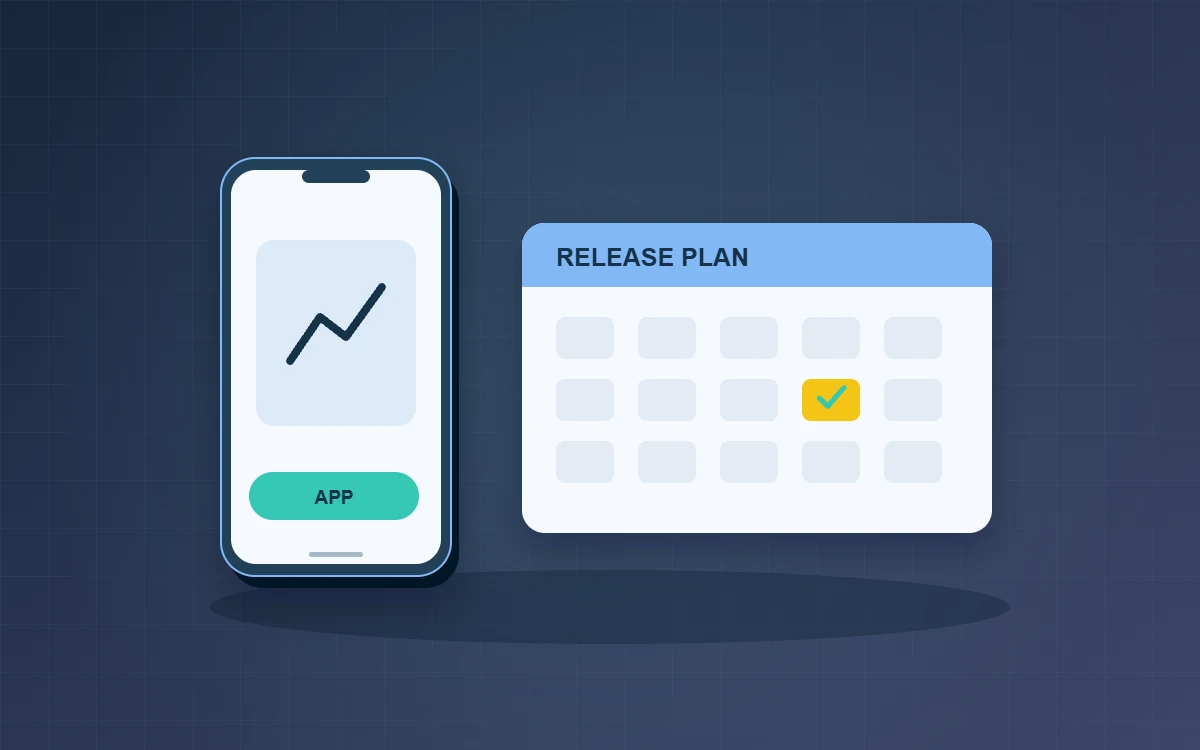
An app maintenance plan should identify critical workflows and name who tests each release, monitors it and can pause it. Practise an approved fallback so staff can keep working if an update fails. Devices, operating systems and daily routines will change after launch, so start with the tasks that cannot be interrupted. Agree who checks the results and who supports affected staff if a release has to be stopped.
Assign day-to-day responsibilities
Decide who takes first-line support requests, who can investigate the records behind a problem and who can pause a release. Ask support staff to capture the app version, device, affected workflow and when the problem first occurred. Keep release account access, testing and communications with the right roles. Give each role a named backup for holidays and staff changes.
Use a repeatable release checklist
- Run core workflows on the previous app version against the current service.
- Test an actual update on supported devices. Check sign-in and records that are still waiting to sync.
- Run an end-to-end test with fictional accounts from sign-in through submission and back-office reconciliation.
- Tell support which version is changing, what to watch and who can decide to pause.
Start with a small group and agree when to pause
Suppose a delivery team releases a change to proof-of-delivery photos. Start with a small test group and check that each driver’s completed delivery becomes visible to dispatch. Reconnect the phone after a weak signal and confirm a pending attachment does not create a second delivery record. Apple and Google provide gradual release options for app updates. Before widening a rollout, agree which signals should pause it, such as deliveries missing from the back office or drivers unable to finish the sign-off step.
Test how work continues after a failed update
Pausing a rollout limits further distribution. Some workers may already have received the update. Decide which feature can be temporarily disabled, what approved fallback staff should use and how pending records will be recovered. Practise the fallback with dispatch and a driver before you need it. Once the fix is ready, repeat the exact case that failed and check related tasks before broadening the release.
After each release, compare support reports with the expected results and update the checklist. A short record of what changed, what failed and what the team learnt is more useful for the next release than a long document no one can keep current.
Frequently asked questions
How often should we review maintenance?
Set a cadence based on how critical the app is and how often it changes. Also check affected workflows ahead of operating system, back-end or third-party service changes.
Can we update everyone immediately?
An urgent fix may justify it. Verify old and new versions can coexist, arrange support coverage and confirm a workable recovery procedure before proceeding.
What should we retain after a release?
Keep the version, key test evidence, release or pause decisions and the specific changes you want to make to the next checklist.