
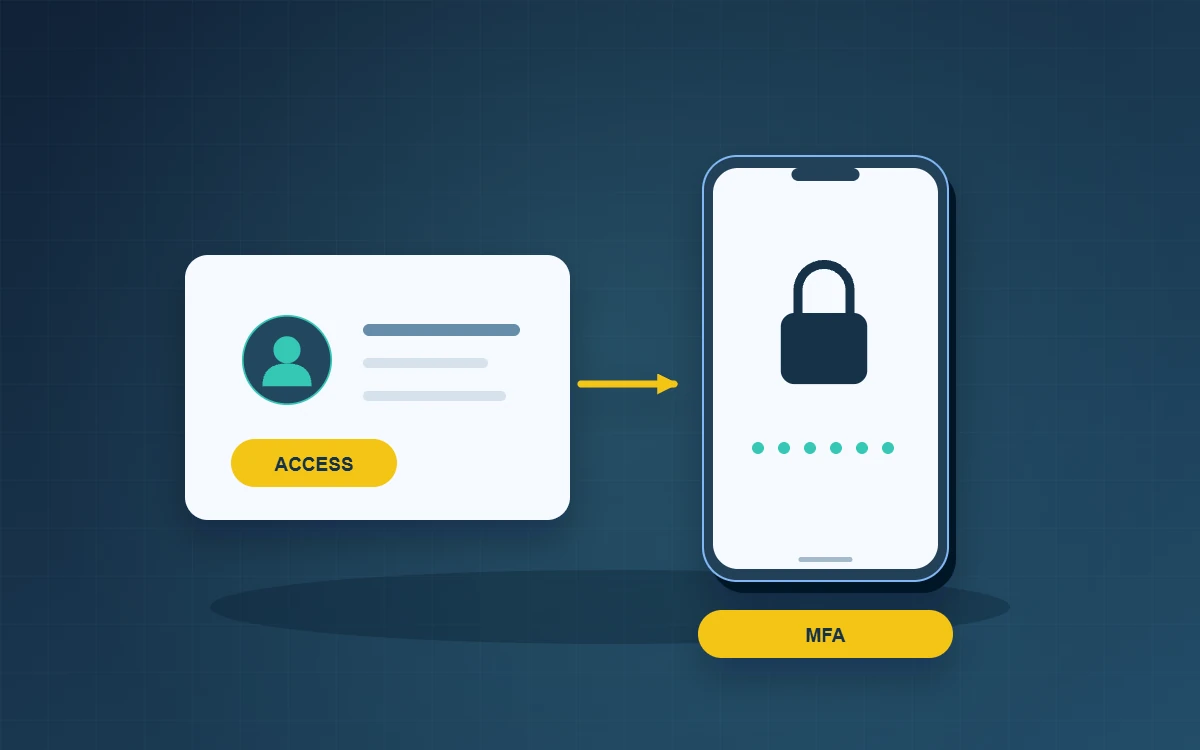
MFA should be managed alongside role permissions, authenticator recovery and account closure. When a role or device changes, confirm the access still needed, apply the changes and verify the resulting permissions. Imagine a sales supervisor moving to purchasing. She needs to refer to two outstanding quotations but no longer needs to export the customer list. Adding her to the purchasing group leaves her former permissions untouched. Ask the outgoing and incoming managers to agree on the specific work still outstanding, the access needed and the date it can end.
What should MFA protect during a role change?
Describe permissions in terms a manager can review: read customer records, change supplier details, approve refunds or export monthly reports. An employee may have different responsibilities in two services. Attach an approver and review date to the higher-impact permissions. This gives the next manager enough information to remove access when the task ends.
Protect accounts that control other services
Review company email alongside finance systems, administration consoles and remote access. Email often receives password reset messages for other services. After enrolment, have each user complete a normal sign-in and confirm which approved factor they used. Document who can verify an employee during a device change and how the business would operate if that person were away.
- Named accounts: identify who carried out each task.
- Administrative access: keep routine work under an ordinary account and use elevated privileges for approved tasks.
- Recovery material: assign a custodian, restrict access and record when the recovery process was last checked.
Practise recovery after a lost phone
Use a test account and simulate an unavailable authenticator. Ask the service desk to establish identity against existing personnel records. A manager can confirm the need for access without collecting passwords or one-time codes. After recovery, check that the replacement works, the old factor is revoked and the expected notifications reach the account owner.
Tie departures to a specific time and owner
List email, cloud storage, customer systems, supplier portals and company devices. Hand over active business tasks, disable access at the agreed time, revoke continuing sessions where supported and transfer ownership of essential records. Ask a second colleague to check the final state. Assign an owner and deadline for any supplier portal that requires an external request.
Sample the last role change at the next review. Ask the former manager to confirm that temporary access expired and ask the employee to demonstrate an ordinary task in the new role. This can reveal a missing permission that colleagues have been working around informally. Have the new manager authorise the corrected access and document the reason.
Does MFA remove the need for permission reviews?
Yes, reviews are still necessary. Authentication verifies the user, while permissions determine what the user can do.
Should everyone on the team hold the same recovery codes?
Limit access to designated custodians. Record any use and replace codes as required by the service.
How should contractors be handled?
Assign a sponsor and end date. Grant only the access needed for the assignment and review it at completion.