
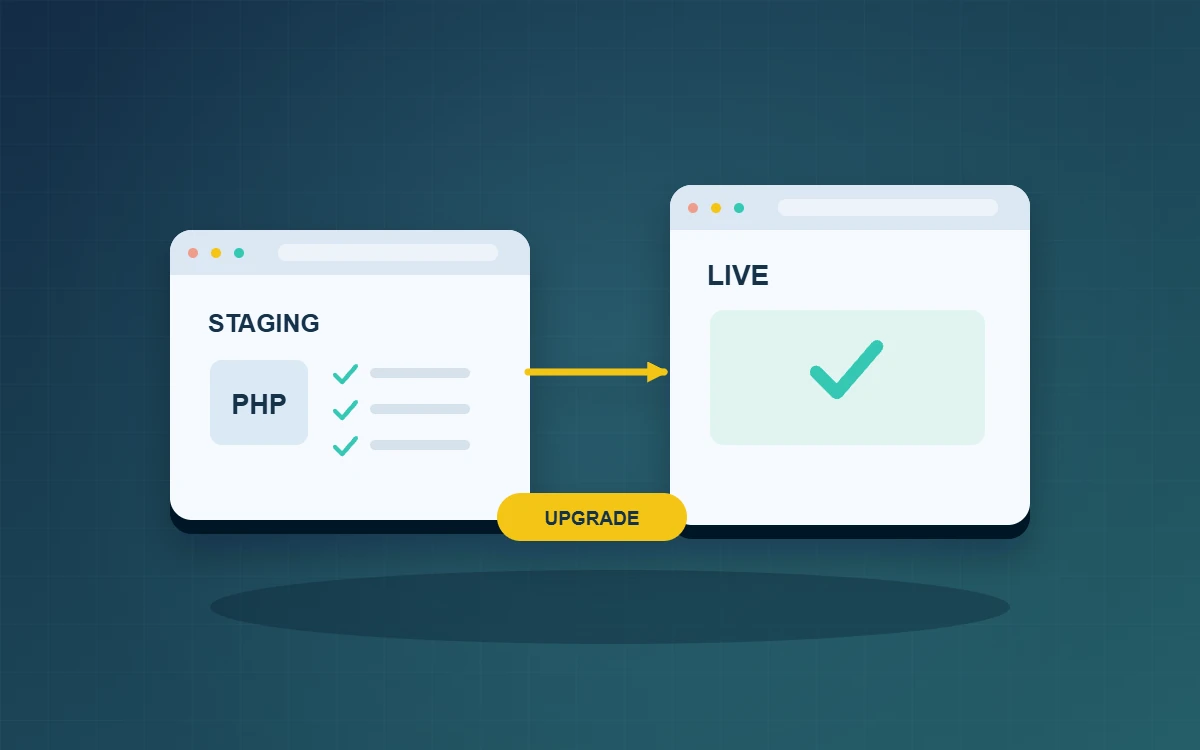
A WordPress PHP upgrade should begin with a compatibility inventory, a staging test and a verified backup. Agree on rollback conditions before changing the live runtime, then test the site’s business workflows. The WordPress hosting requirements recommend PHP 8.3 or later. Choose a specific supported target by checking the host’s maintenance policy and the theme and plugins in use. State exactly which site’s PHP runtime will change. Keeping unrelated redesigns and configuration changes out of this window makes failures easier to diagnose and the handover easier to verify.
What should a WordPress PHP upgrade inventory contain?
List the WordPress version, active theme and child theme, ordinary plugins and must-use plugins. Include form delivery, email, payments and scheduled tasks. Ask the host whether another website shares the same runtime or setting. Have the person on duty verify where backups reside, who can restore them and how to reach the provider during the change.
Build a staging copy you can restore
Take a consistent copy of the database and files, including uploads, themes, plugins and necessary configuration. Test that the copy restores. Redirect email to a controlled inbox and isolate external integrations before using the staging site. Use appropriately handled test data. A trial appointment or enquiry must not generate a production transaction or a message to a customer.
Test the journeys people use
For a multilingual business site, the main visitor journey may be reading a service page and sending an enquiry. An editor may need to revise an article and preview the change. Run each case on the old runtime first, then repeat it on the target with the same pages and sample data. This distinguishes existing faults from differences introduced by the change.
- Visitor: switch languages, open a service page and attachment, submit a test form and check the confirmation and controlled inbox.
- Editor: sign in, save and preview a test article, then check its images and layout.
- Operations: exercise scheduled jobs, exports and integrations in test mode. Record the expected completion time.
Agree on rollback conditions before switching
Name the operator, tester and business decision-maker. Agree which failures require a pause, such as unavailable administration access or a form that loses submissions. Restoring a pre-change database after new orders have arrived can discard those records. Decide whether a runtime-only rollback is possible and how to preserve transactions recorded after the cutover.
Check the live runtime and repeat a controlled smoke test. Hand over the results, timestamps and outstanding checks. If a scheduled job runs overnight, give someone responsibility for inspecting its next result before closing the change.
Have a colleague who did not perform the upgrade read the handover. They should be able to identify the active runtime, the recovery copy and the next scheduled check without asking the original operator.
Is the plugin compatibility list sufficient?
Use it to choose the target. Your theme, configuration and external services still need a functional test.
Should the error log be visible to visitors?
Keep diagnostic details under restricted access and share a concise result with the business owner.
When is the upgrade accepted?
Close the change when the agreed visitor, editor and scheduled checks pass and outstanding items have an owner and deadline.