
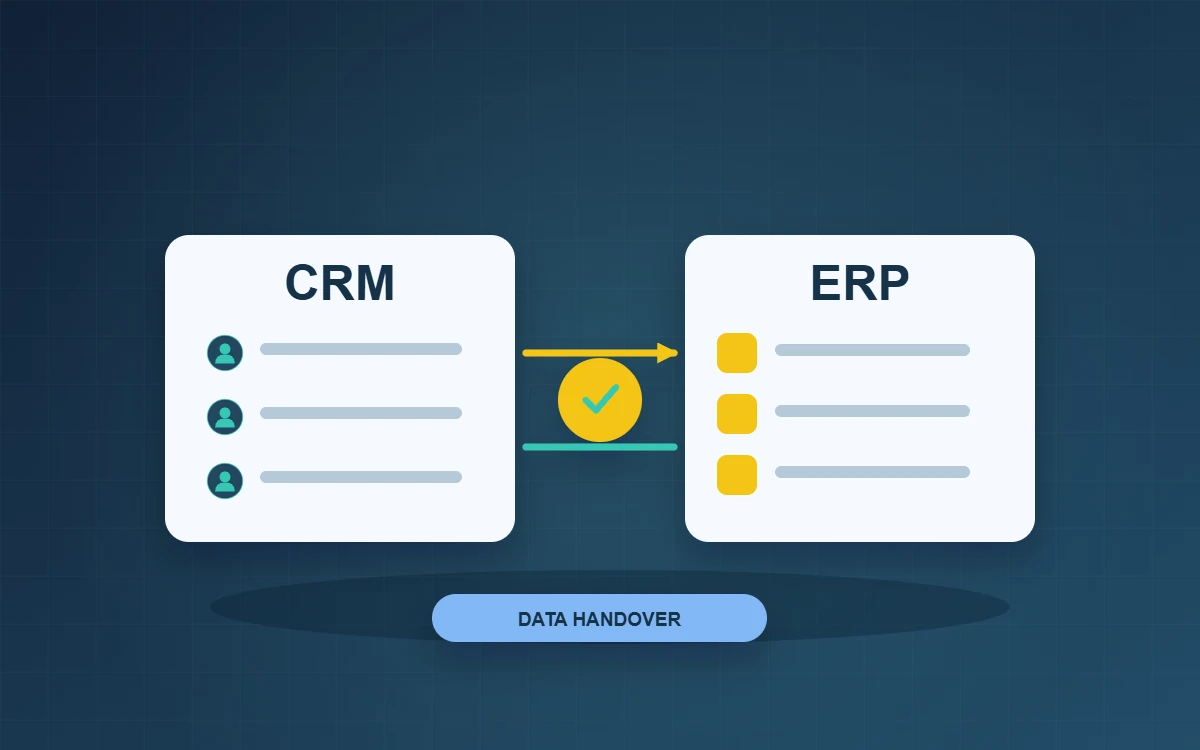
In a CRM and ERP handover, sales can keep the accepted quote and customer confirmation in the CRM while finance verifies the details and creates the formal order in the ERP. Name an owner for delivery details and record where they can make changes. If several teams edit the same field independently, synchronising their changes makes it hard to tell which value was approved.
Use one order to define CRM and ERP ownership
Ask sales, operations and finance to walk through a representative quote and explain what they update and when. Sales might maintain the contact, quote version and acceptance date in the CRM. Finance might confirm billing details and payment terms and record the order in the ERP. If operations verifies the delivery address, agree where the approved address belongs and who can change it.
Set the minimum handover requirements
Before creating an order, check the accepted quote version, customer reference, item or service codes, quantities, currency and delivery requirements. Have the receiving system or team return the order reference or a clear reason the order is pending. If a service code is missing, alert the person who can correct it. Keep the accepted quote available so staff can still verify what they promised the customer.
Test retries and later changes
Suppose the customer accepts version two. The handover times out, but the order has already been created. Look for the order using the original quote reference before retrying. This helps avoid duplicate orders. If the customer later changes the delivery address, first check whether dispatch has been arranged. Follow the agreed approval process and record who changed the address and when.
Pilot one workflow before expanding the integration
Test a normal order, a quote missing a required field and a retry. Ask each team to locate the common reference, check the handover result and explain who handles exceptions. During the pilot, keep a queue of pending handovers and reconcile accepted quotes against created orders daily. Investigate differences before adding stock or payment status to the integration. This gives the team a narrower set of issues to investigate when something does go wrong.
Before the pilot, ask two colleagues to trace the same order from opposite directions. One starts with the quote and the other with the order in the finance system. If either cannot find the other system’s reference, add a link or lookup field. This exposes gaps likely to matter when someone later needs to handle an amended order, refund or customer enquiry.
Frequently asked questions
Do we need to replace the CRM and ERP together?
You can define what each system owns and how it hands work over before deciding which, if either, to replace first.
Should every field sync in both directions?
For each field, decide where edits are authoritative, who can make those edits and how to resolve conflicts. Then sync the fields the workflow actually needs.
Who should handle a failed handover?
Assign someone who can see the reason for the failure and contact the team that owns the data. Agree when the issue should be escalated.