
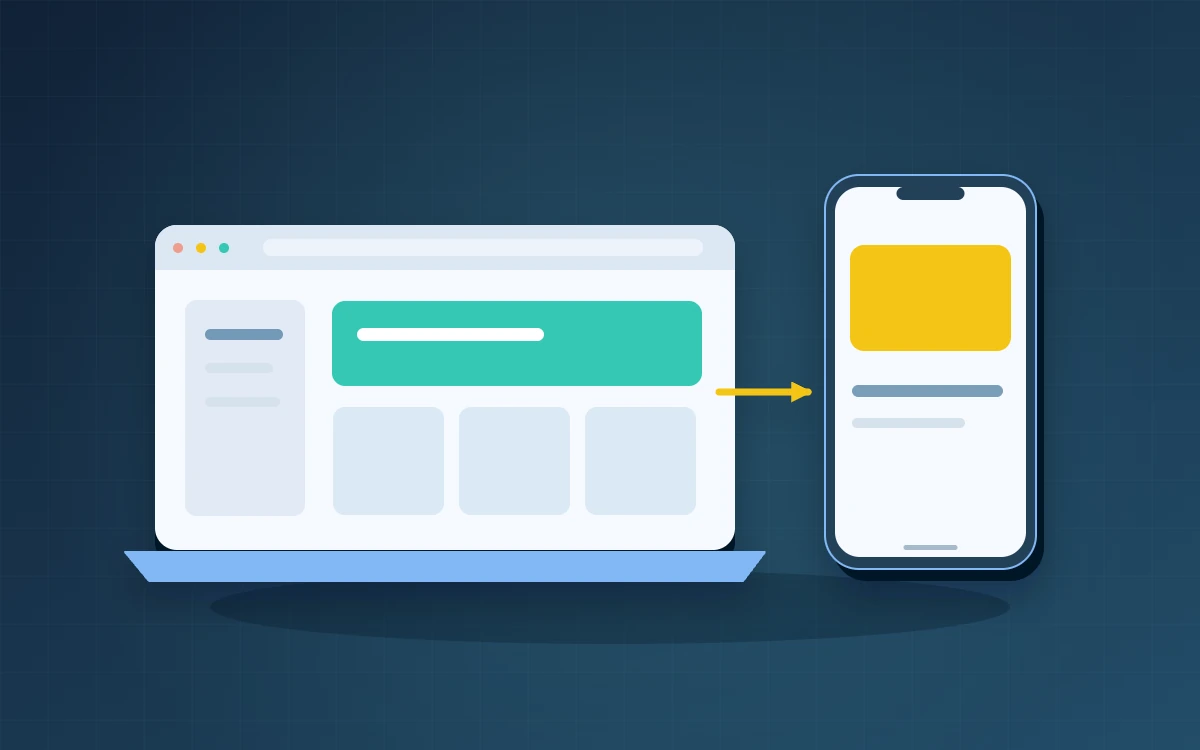
Start with a web system if users can reliably finish the task in a browser. Choose a mobile app first if tests show that essential device features or offline work need it. Ask the team to demonstrate one full task, from receiving the instruction through to handing over the result. Record where people get stuck and who has to resolve the problem. Use those observations to decide what each prototype needs to prove.
Start with how people reach the task
A customer who opens a link once a month typically benefits from immediate browser access. A frontline team that completes the same task throughout the day may place more value on a consistent entry point or a configuration managed by the employer. If both groups use the same service, a browser interface for customers and a separate staff interface can share the same records and business rules.
- Can someone start from the link they receive in an email or message?
- Does the work involve taking photos, scanning items or using a company-managed device?
- Which actions must still work when the connection drops?
- Who will manage access when a shared device changes hands or an employee leaves?
Define what the workflow must do offline
“Works offline” can mean showing an existing job sheet or letting a worker create a report without a connection. Write the actual acceptance scenario. A technician takes photos in a plant room, completes the report and leaves the site. When the connection returns, the system submits the report once and tells the technician whether it arrived. Decide how long pending photos remain on the device and whether the next shift can see them.
Compare two small prototypes on real devices
Imagine a maintenance company that wants technicians to report their arrival and attach completion photos. One prototype opens the work order in a mobile browser. A second tests whether an app can retain large pending attachments on the devices technicians use. Give both versions the same test cases and observe where the technician stops or needs help. Ask dispatch staff how much work it takes to reconcile a failed submission. The most useful prototype proves that the full workflow holds up under the conditions the team faces.
Include support and distribution in the decision
Compare who will train users, administer access, test updates and support older devices. Responsive web design adapts content to different devices, but the team still needs to test its browsers. If Apple App Store distribution is planned, review the minimum-functionality guidance before committing to an app that mainly wraps an existing website. Record why you selected the first approach and what workload or operating conditions would justify reviewing it later.
Frequently asked questions
Can we start with a web system and add an app later?
Yes. Keep account access and core business records independent of the interface so both channels can use them. Use the first release to learn which mobile capabilities are worth developing.
Does taking photos mean we need an app?
It depends on the devices, file sizes and working conditions. Test photo capture, upload and recovery from an interrupted connection before deciding.
What should the first prototype cover?
Choose a frequent task with a clear outcome and a failure you can reproduce. Test it on the devices and network your users already have.